Catalogue app
Inclusion
It handles health data about minors, and that decided the shape of the program: nothing leaves the device, there is no field anywhere to write a diagnosis, and the only AI inside rewrites text a teacher has already written.
The app travels inside the link: it opens in your browser and stays there. No account, nothing to install, and none of your data passes through a server.
The app is written in Italian, for Italian schools and their terminology. Everything below describes what it does.
The first thing to say
This app handles health data about minors — the highest-risk category a school holds. Protection is not a garnish here; it decided the shape of the program.
- Nothing leaves the device. It all lives in the browser.
- No diagnosis, in any field. Of the certification it records the issuing body, the date and the expiry. There is no report field and no medical attachment: that is a construction choice, not an omission.
- The AI forms no hypothesis about the pupil. The only two AI directives present rewrite text a teacher has already written, and search the bank of phrasings.
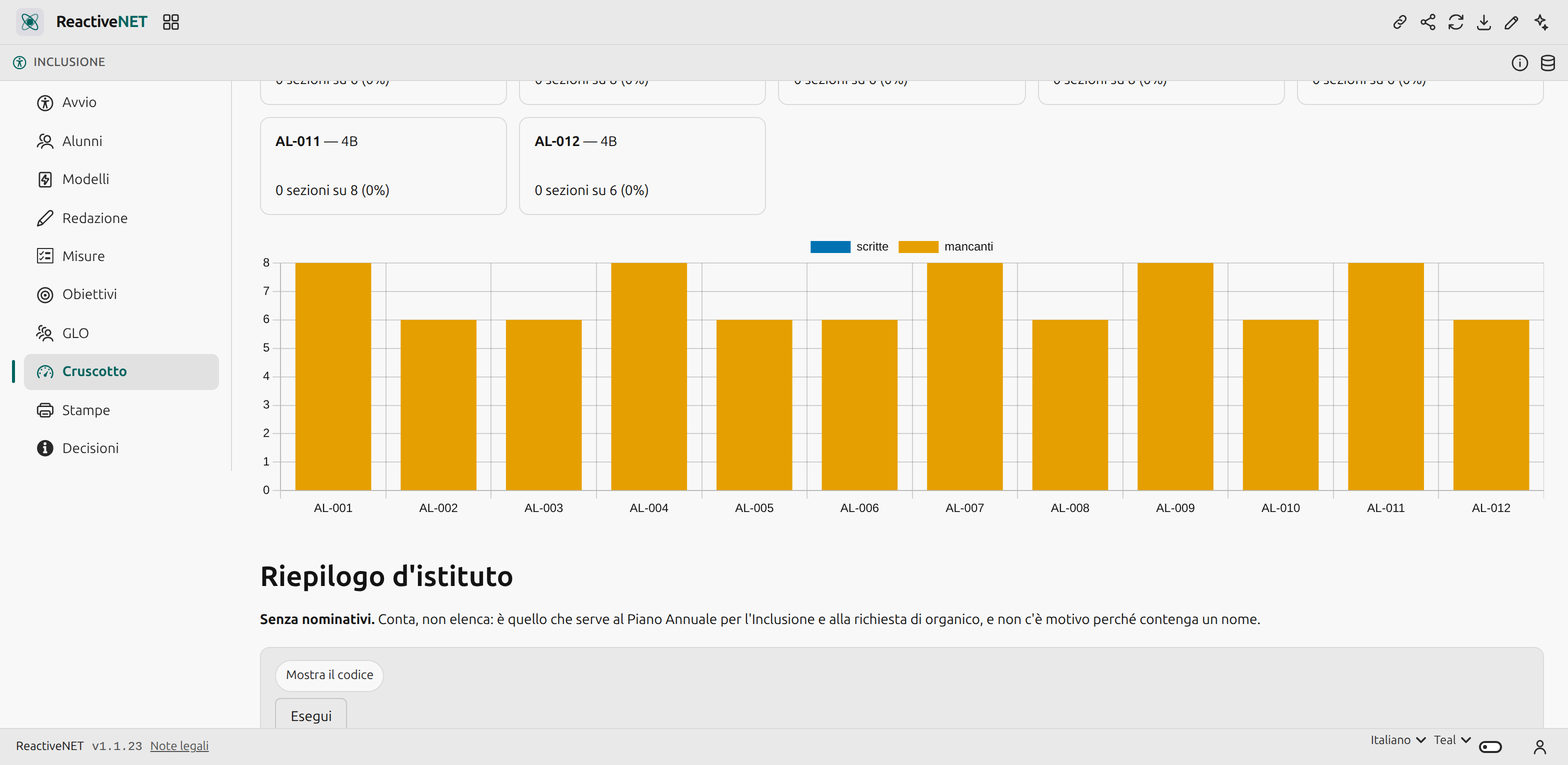
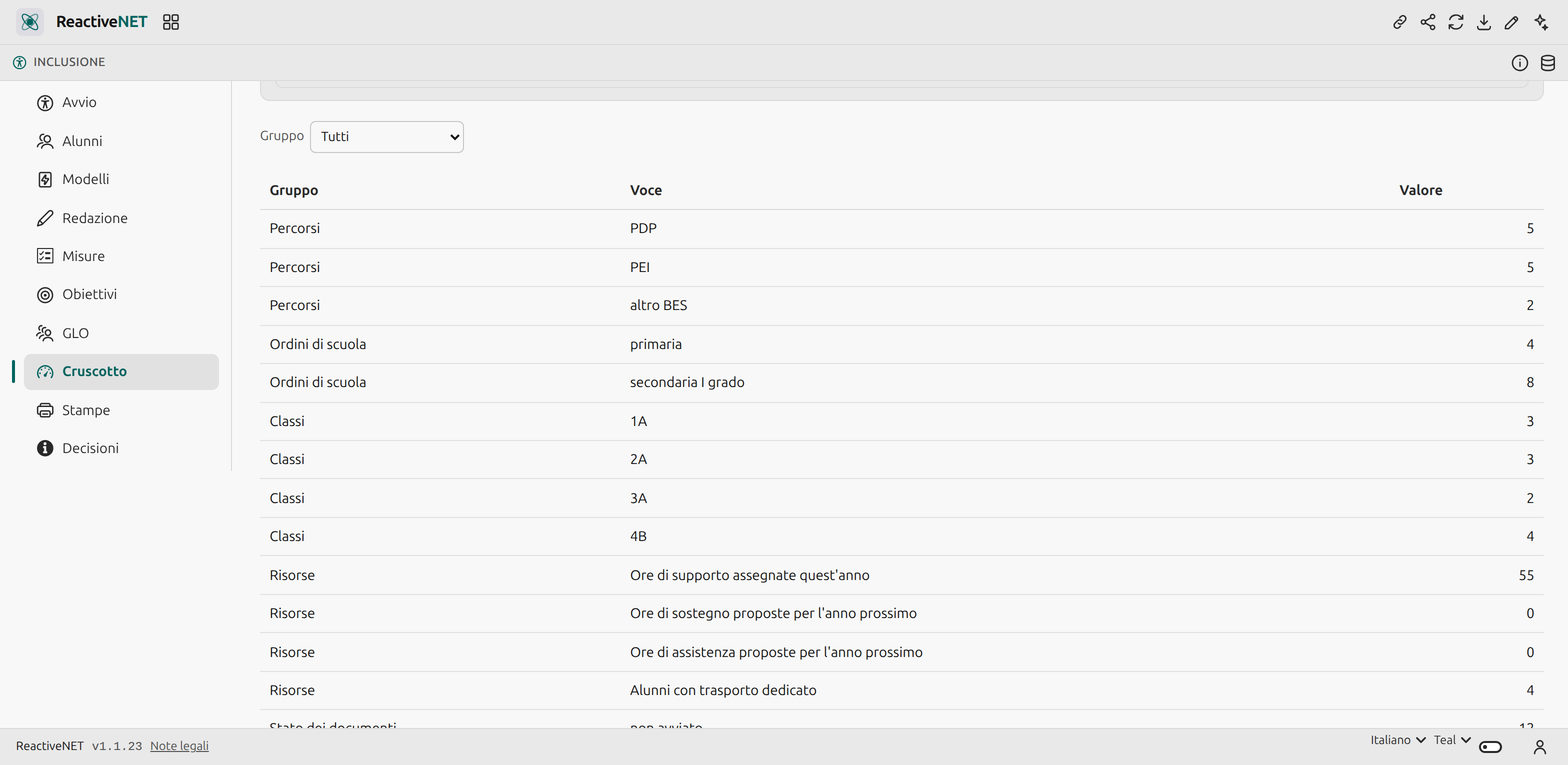
- School-wide summaries carry no names. They count; they do not list.
What it does
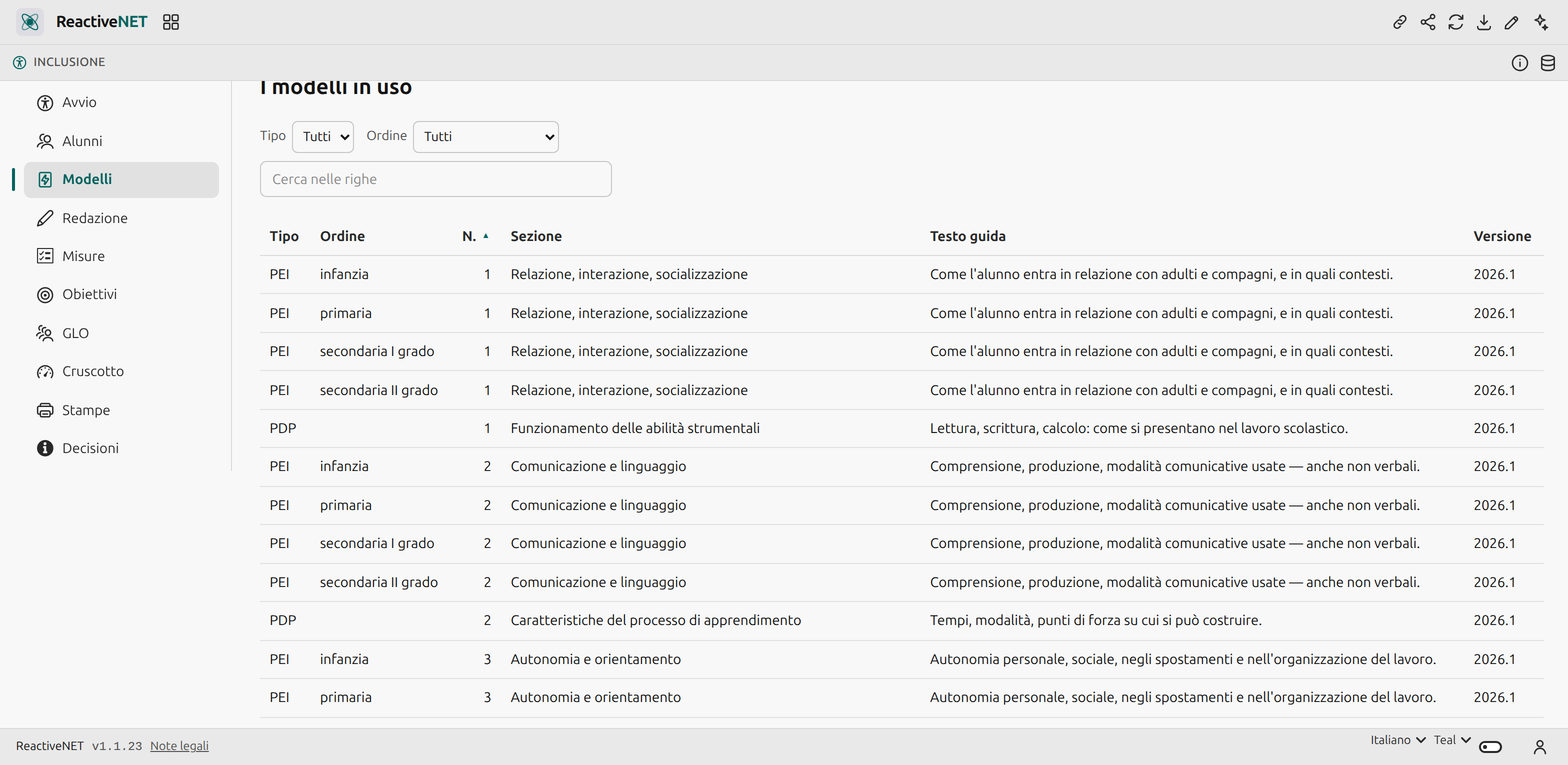
Templates are rows, not code. The plan’s observation dimensions for the four school stages, and the personalised-plan sections, are edited from a page of the app, each with its guidance text and its own version — so an approved document stays readable and reprintable with the template it was written under.
The per-subject contribution is a page of its own, holding only the table each subject teacher fills in for their own subject, and no clinical-functional picture. It is built to be shared on its own.
The operational extract for the class council is one page with the measures, the tools and the assessment criteria, and nothing else.
Objectives and reviews sit on a board you drag by outcome, and close with the proposal of resources for next year — the row that feeds the staffing request.
The bank of phrasings cuts down typing, and the search is semantic: a sentence in your own words finds the objective about attention even without sharing a word with it. The index is built on the device and never leaves it.
A check flags similarity. Two sections for different pupils sharing more than 60 per cent of their words are probably the same section pasted twice — and a copied plan is a plan that can be challenged. It flags; it does not block.
What it does not do, and says so
It archives no medical reports, signs nothing digitally — it records that a signature was collected, by whom and how — and does not lock a document after approval. Per-role access control is not in the document: forced separation is the platform’s shared spaces, and must be decided before the app is used on real data.
Yours to change
An app is a Markdown document: open it, edit it by hand, or ask the assistant to change it for you. Whatever you add stays on your device.